5 FREE File Checks
Get 2 instantly, then 3 more when you create a free account.
No card required. Create a free account and verify your email to unlock 3 additional checks.
Made in Canva?
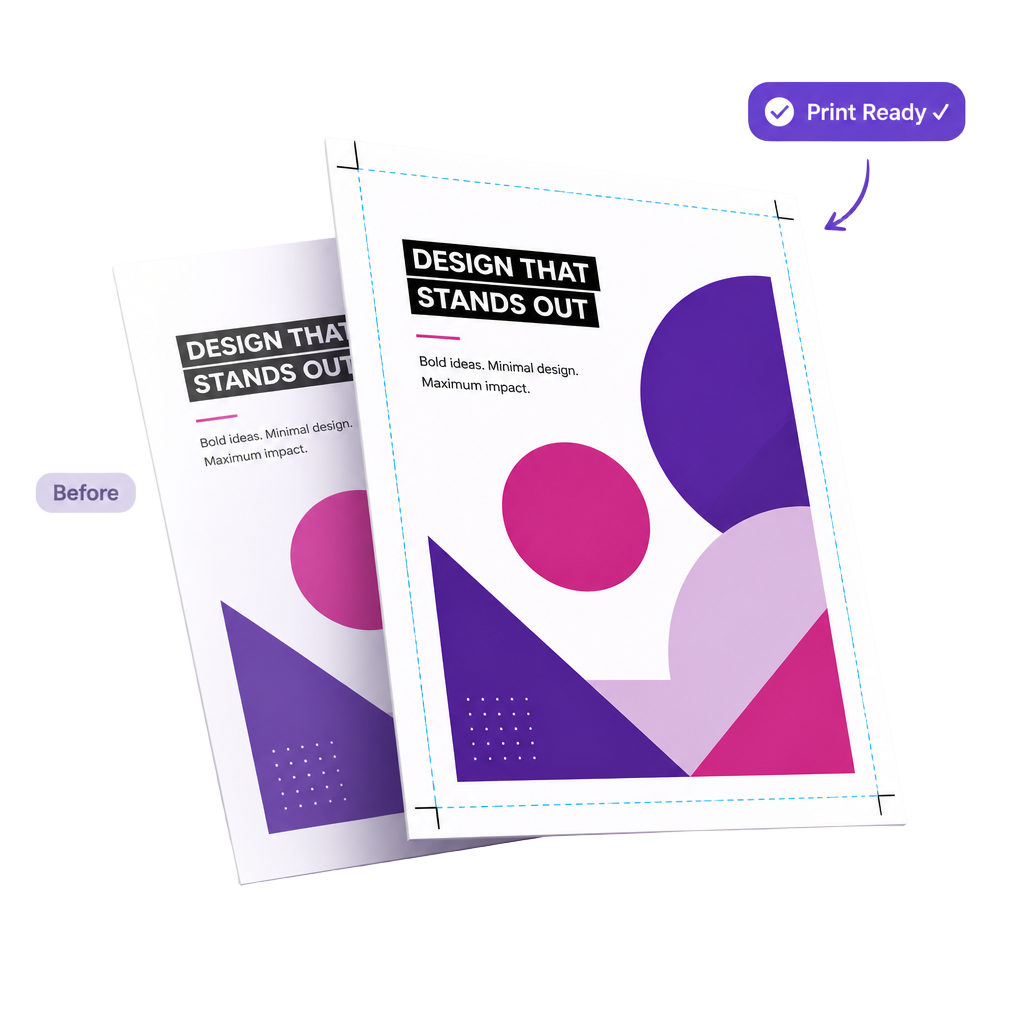
Print-ready
in seconds.
Drop in a PDF, JPEG, or PNG. We check the five things printers actually care about, tell you what's wrong in plain English, and fix the common stuff in your browser — no prepress knowledge needed.
Built for Canva users, but compatible with PDFs and image files from virtually any design software.
The five checks
Five things every printer checks — so we check them first.
For each one we tell you what's wrong in plain English. We will fix what we can in the browser and give you a full report, that explains in detail how to correct any other issues. Here's exactly what we do.
Check 1
Page size
Confirms your document is a recognised paper size like A4, A5, or Letter.
What we do: We'll flag a non-standard size, but we can't resize the document for you — you'll need to recreate the design at the right size. Tip: we also have free Canva templates pre-set to print sizes on our templates page (coming soon).
Check 2
Bleed
Checks that your design extends 3mm past the edge so nothing gets cut off.
What we do: If your file has no bleed, we can add it for you in one click — we mirror your edges outward by 3mm and add crop marks automatically.
Check 3
Image resolution
Looks for blurry images. Anything below 300 DPI may look pixelated when printed.
What we do: We'll flag any low-resolution images and tell you which ones, so that you can swap them for higher-resolution versions in your design tool.
Check 4
Colour mode
Warns if your file uses screen colours (RGB) instead of print colours (CMYK).
What we do: We can convert RGB to CMYK in one click. Heads up: the conversion uses a standard profile, so very bright RGB blues, greens, and oranges may shift slightly — that's a limit of CMYK ink, not the tool.
Check 5
Fonts embedded
Makes sure every font is included in the file so text prints exactly as designed.
What we do: We'll flag any missing fonts, so that you can identify them and re-export your file from your design tool with "Embed fonts" turned on.
Turn any Canva design into a print-ready PDF in seconds.
Printer Ready checks the five things every printer asks for — page size, 3mm bleed, 300 DPI image resolution, CMYK colour mode and embedded fonts — then fixes the common problems automatically. Whether you need to add bleed to a PDF, convert RGB to CMYK, or just check a file before you send it to print, you can do it in your browser without uploading anything to a server.
In a hurry? Just add bleed.
Already happy with your file and just need it press-ready? Skip the report, pick how much bleed you want (3–10mm), and we'll mirror your edges outward and add crop marks instantly.
Heads up: if your design has photos or patterns running right to the edge, the mirrored bleed can look a bit odd on screen — that's normal. It won't appear when your file is printed.
Three steps.
No prepress degree required.
Watch a quick demo of the report, fixes, and download in action.
Drop your file in
Drop your file straight from your computer, it can be either a PDF, JPEG or PNG. We'll convert images to PDF for you.
See what's wrong, in plain English
Each check gets a tick, a warning, or a fail — with an explanation and a hover tooltip if you want more detail.
Fix and download
Add bleed, convert RGB to CMYK, or both. Then grab a clean, print-shop-ready PDF. Send it to your printer and you're done.
Your file never leaves your device.
Most "PDF tools" upload your work to a server somewhere. We don't. Every check, every fix, every preview happens right here in your browser tab. Here's why that's a big deal:
Your design stays private
Logos, unreleased products, client work, pricing — none of it touches a third-party server. Nothing to leak, nothing to be scraped.
Free to try, no card needed
Run your first couple of file checks straight away — no sign-up. Create a free account for a few more, then only pay if you need to check files regularly.
Quick, even on big files
You can see the progress of your file checks with our progress bar. Theres no waiting for a queue. A 50MB PDF processes as fast as your laptop can read it — usually a couple of seconds.
In plain English: if your internet went off right now, this site would still work. That's how you know your file isn't being uploaded anywhere.
Ready to make your file print-ready?
Upload your PDF, JPEG, or PNG and get an instant report — no card required.